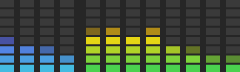
CPU LED shows the load of every CPU core as an LED bar right in your menu bar – efficiency and performance cores grouped separately, with a green → yellow → red gradient. It runs natively on Apple Silicon (macOS 14 or later).
Usage
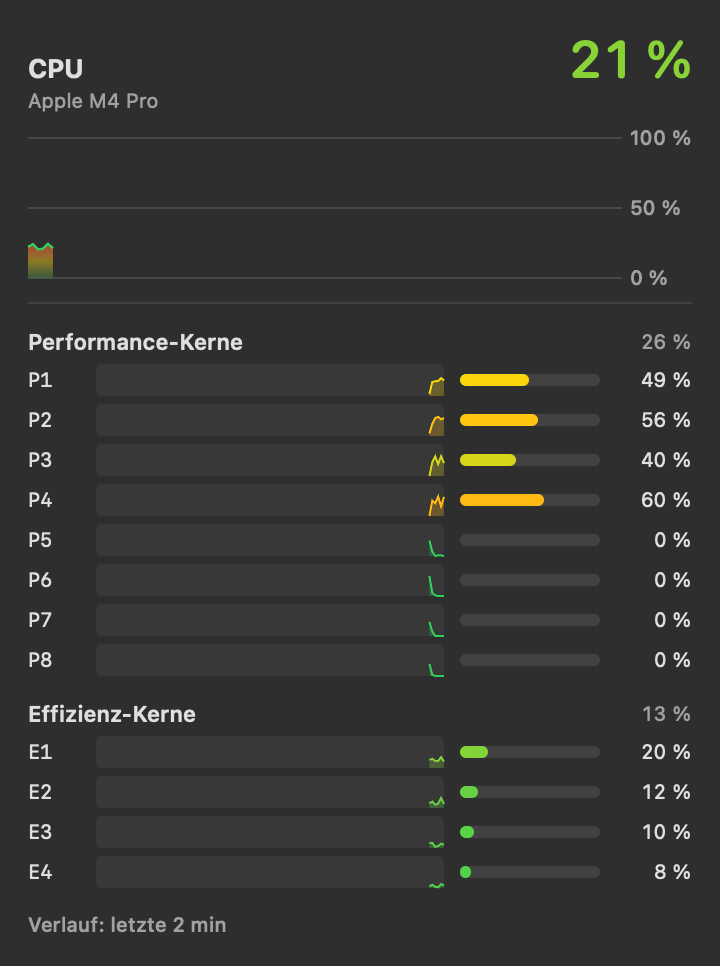
- Left-click the display: detail view with overall load history and per-core load.
- Right-click: settings, open window, quit.
Settings
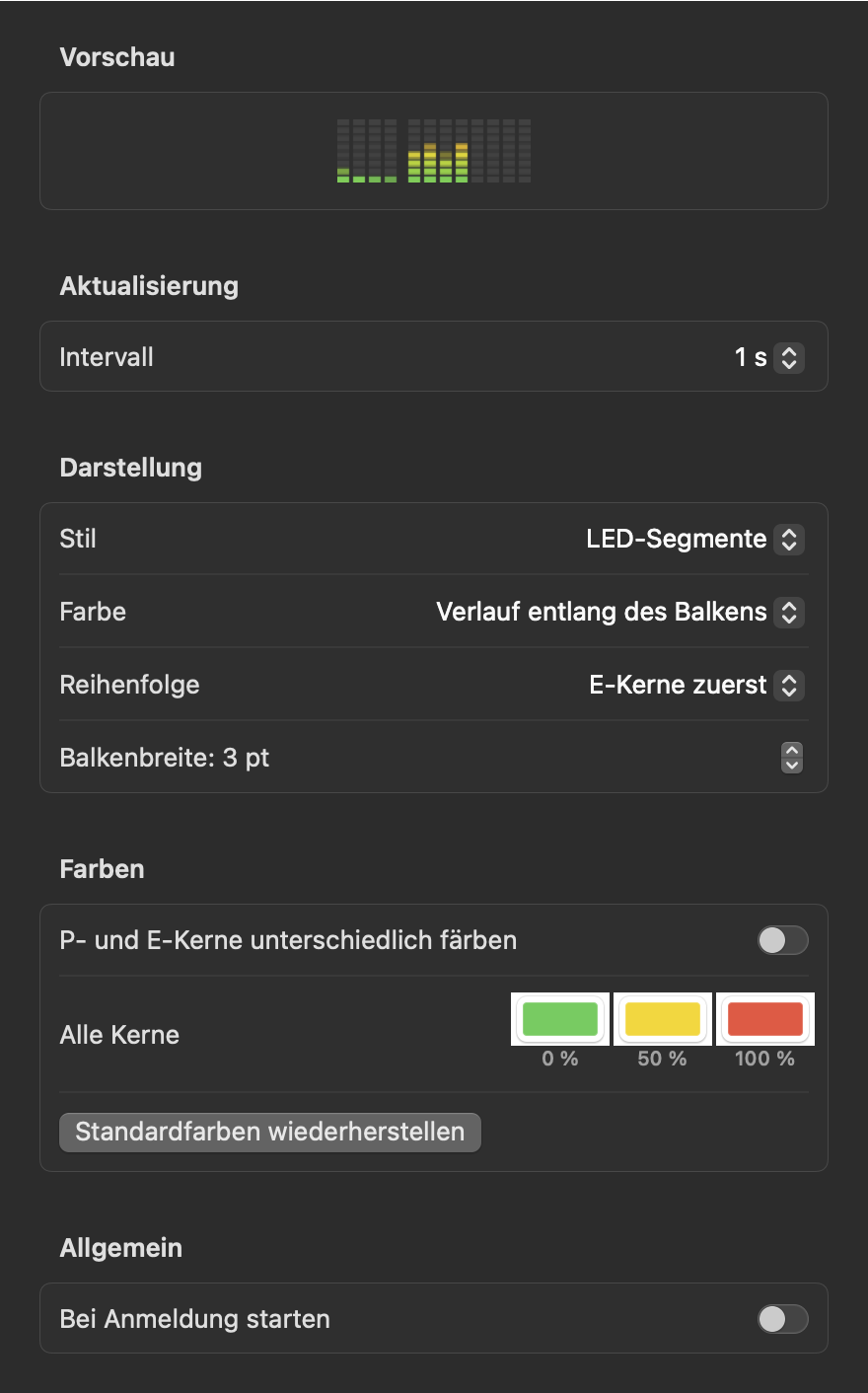
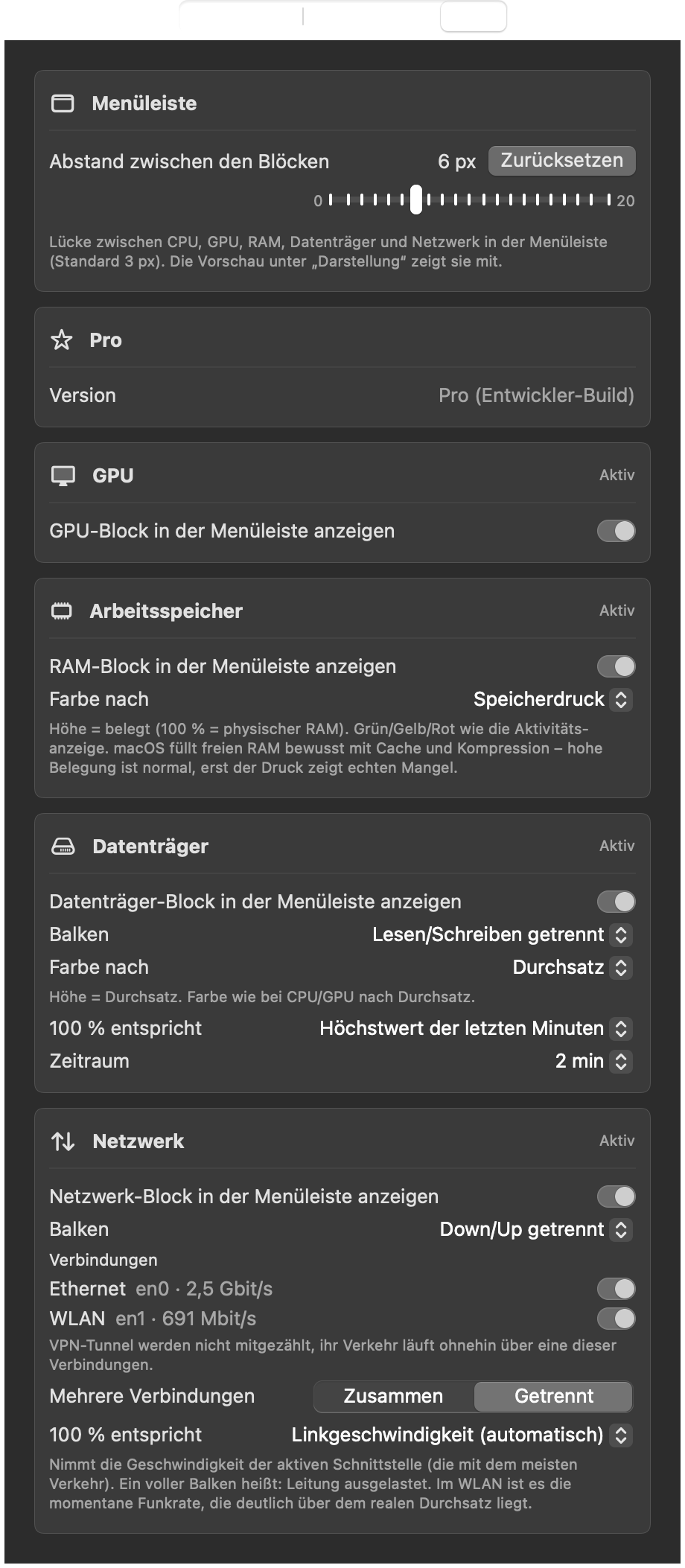
Update interval (0.25–5 s), style (LED segments or solid bars), colour mode, order, bar size (Mini/Normal/Wide), custom colours and optional separate colours for P and E cores. "Launch at login" is found there too.
Pro features
The basic version is free. A one-time "Pro" purchase (no subscription) unlocks more displays: GPU, memory, disk and network. Each can be switched on or off individually.
FAQ
The display does not appear in the menu bar.
If the menu bar is full (e.g. on Macs with a notch), macOS hides items. Remove other menu bar icons or choose the "Mini" size in the settings.
Why is there no Dock icon?
CPU LED is a menu bar only app. Right-click the display to open windows.
How do I start it at login?
Right-click → Settings → "Launch at login".
Does it run on Intel Macs?
No, CPU LED is built for Apple Silicon (P/E core detection).
How does Pro work? Is it a subscription?
No. Pro is a one-time App Store purchase. On a new device use "Restore Purchases".
Does the app collect data?
No. All measurements stay on your Mac. See the privacy policy.
Contact
Questions, bugs or wishes? Write to support@example.com (placeholder). Please include your macOS and app version (app menu → "About CPU LED") and your Mac model.